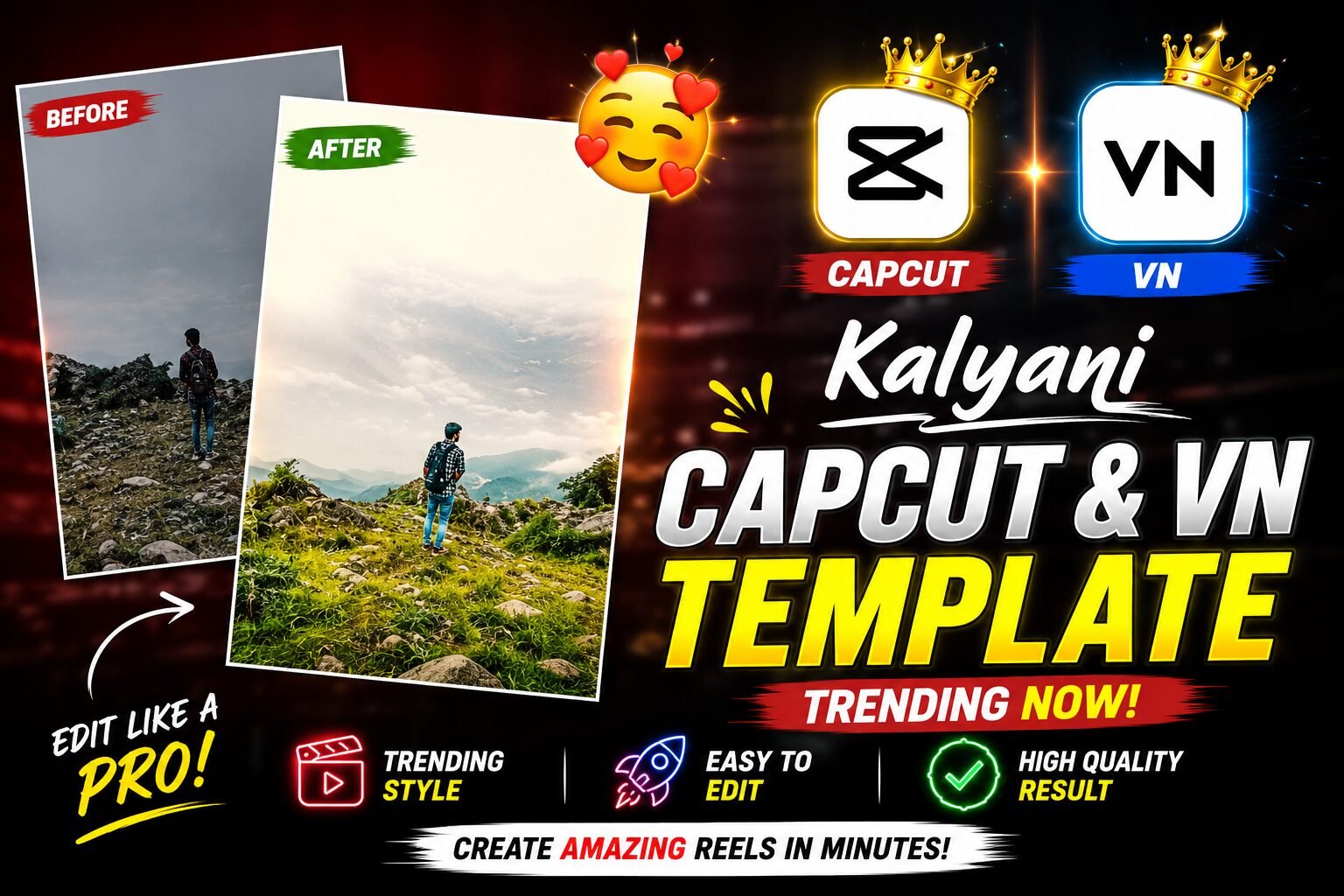
Rajan Template brings you a complete guide to the Kalyani slow-motion effect. Everything below is laid out step by step so you can follow along in the app.
The Kalyani slow-motion effect is one of those short-video trends that can turn an ordinary clip into something cinematic almost instantly. The appeal comes from the contrast: a simple opening, a dramatic beat drop, and a smooth slow-motion finish that feels polished enough for Reels, Shorts, and TikTok-style feeds.
What makes this style so useful is that it does not depend on complicated editing skills. If you understand the right clip choice, timing, and music, you can create a strong transformation edit in minutes rather than hours.
And Why This Style Goes Viral
The reason the Kalyani slow-motion effect works so well is simple: it creates a mini story in a few seconds. Viewers see one mood at the start, then the edit changes pace, lighting, and energy right when the music drops.
This shift keeps people watching because it feels satisfying. Instead of a flat video from beginning to end, the template delivers a reveal, a rhythm change, and a cinematic finish.
- It creates clear visual contrast between the first and second shot.
- The beat drop gives the edit a strong transition moment.
- Slow motion adds a premium, dramatic feel.
- Warm lighting and soft tones make the result more attractive.
- Beginners can use it without deep editing knowledge.
Rajan Template: How it creates the slow-motion effect
This template usually follows a very specific structure: an opening clip that feels casual, then a switch into a slower, smoother scene that lands on the beat. That is why the final result looks deliberate rather than random.
The secret is not only the template itself. Music choice, clip selection, and timing all have to work together for the slow-motion effect to feel natural. Rajan Template keeps these steps simple so you can focus on the edit itself.
| Element | What to focus on | Why it matters |
|---|---|---|
| Music | Choose a track with a clear beat drop | Creates the transition point |
| Timing | Match the clip change to the beat | Makes the edit feel smooth |
| Footage | Use clips with natural movement | Helps slow motion look cinematic |
If one of those parts is weak, the edit can feel flat. However, when all three are synced well, this template can look like a professional music video moment.
Preview Styles You Can Try
Below are two common style directions that work well with this trend. Each one has a different mood, so you can pick the version that matches your content.
Golden Hour Transition Edit
This style focuses on warm light, soft shadows, and a dramatic mood shift. It is a great fit for outdoor clips, travel moments, fashion shots, and any video where golden-hour lighting can enhance the transformation.
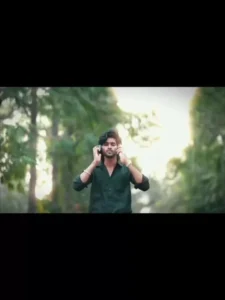
For the best result, use a simple first clip and a second clip with visible movement such as walking, turning, or looking into the camera. Export in high quality so the warm tones and motion stay clean.
Smooth Beat Drop Slow Motion
This version feels cleaner and more modern, with a strong rhythm change that lands right on the beat. It works especially well for creators who want a trendy edit that still feels easy to personalize.

Keep the second clip short, steady, and well lit so the slow-motion moment stands out. A track with a clear drop will make the final edit feel more satisfying and more shareable.
In CapCut
If you are new to editing, the easiest way to use the edit is to follow the standard template flow inside CapCut. The process is quick, and once you learn it once, it becomes very easy to repeat.
- Open the template link in your browser or app entry point.
- Tap Use template in the CapCut app.
- Select the photos or clips you want to insert.
- Let the template arrange the timing automatically.
- Preview the edit, make small adjustments, and export.
This is one of the biggest reasons creators like templates: the app handles the structure for you. Still, the Kalyani slow-motion effect looks much better when your clips match the mood of the music.
How to use how to Make Look Better
Even though this trend is template-friendly, small choices can improve the final video a lot. In fact, the biggest difference usually comes from lighting, clip quality, and movement in the second half.
- Choose a plain opening clip so the transformation feels stronger.
- Use a second clip with natural motion, like walking or turning.
- Prefer outdoor footage during golden hour for a softer look.
- Keep the edit short so the beat drop lands quickly.
- Export in the highest resolution available.
If you want a deeper look at the app behind the trend, the official CapCut website is a good place to explore editing tools and template features. For a simple technical explanation of the effect itself, you can also read about slow motion on Wikipedia.
Template vs manual editing
Some creators love templates because they save time, while others prefer complete control. The edit sits in the middle: it gives you a ready-made structure, but you still control the clips, visuals, and music mood.
| Method | Best for | Main advantage | Main drawback |
|---|---|---|---|
| CapCut template | Beginners and fast posting | Quick and trend-ready | Less custom control |
| Manual editing | Advanced creators | Full creative freedom | Takes more time |
If you post often, templates help you stay consistent. On the other hand, manual edits are better when you want a fully custom visual identity. Either way, this style is a strong starting point for short-form content.
Safety Tips and Best Practices
Before you use any template, make sure you are opening it from the correct app flow and not downloading random files from unknown sources. It is also smart to avoid using private footage that you would not want shared publicly.
Always review the final export before posting. A quick check for sound sync, awkward cropping, or overexposed lighting can save you from uploading an edit that does not match your vision.
- Check that the beat drop lines up with the clip change.
- Use footage that is clear and stable.
- Keep personal data out of the clips you upload.
- Confirm that the final video looks good on mobile screens.
Frequently asked questions
Is free to use?
Availability can vary depending on the app version and your region. The best way to confirm is to open the template inside CapCut and check the current usage flow before editing.
What kind of video works best?
Simple clips with a strong visual change work best. A casual opening shot followed by a more stylish slow-motion scene usually gives the edit the most impact.
Why does look so cinematic?
It feels cinematic because it uses contrast, timing, and beat-driven motion to build a mini reveal. The shift from ordinary footage to slow motion gives viewers a satisfying payoff.
How can I make my edit more viral?
Choose trending music, keep the first clip simple, and make sure the second clip matches the beat drop perfectly. Good lighting and clean framing can also improve shareability.
Final Thoughts on
The Kalyani slow-motion effect is popular because it combines a simple structure with a dramatic visual payoff. When you use the right music, the right clips, and the right timing, the final result can look modern, polished, and ready for social media.
Now that you understand how it works, try it with your own footage and focus on the details that matter most. If you want a fast way to create a standout short video, the Kalyani slow-motion effect is a smart place to start — open it in CapCut and make your next edit shine.
Rajan Template will keep updating this guide as the app changes, so check back if a step stops matching your version.